









laptop crashed after what i think was an update from microsoft that went wrong.. one of the upgrades to windows 10, or subsequent updates..
in any case, my HP envy would not boot up anymore. Wouldn’t restore.. I even took the drive out, ran chkdisk on it, fixed a whole lot of issues.. but no go.
so.. I took the files i needed off of it.. and decided to start fresh with linux Mint.
– for some of the things above, i had to order a nifty gadget that allowed me to hook up a drive to my other computer just as if it was an external drive.
– i also needed a SD card that could hold at least 1.8 GB to hold the ‘live boot’ for mint.
– i used my other computer to boot up on that sd card, and have it install onto the ‘external hard drive’.
– i then put the drive back into the Envy.. tweaked the BIOS to allow for ‘legacy support’ for boot up.. and voila, i’m now running Mint on it
One of my first few learnings (or refreshers really, as i did use unix a long time ago).. was figuring out some installs and little details…getting my printer to work, as well as it’s scanning function.
Then i also wanted to create an image of an SD car i had, to burn onto another sd card.
after a couple failed attempts with gDiskDump, i decided to just learn the underlying linux commands..using “dd”
(the attempts did get me to learn some install commands.. ie.
sudo apt-get install python-setuptools (installed it great, but turned out it no longer had the easy install i was looking for to get a program that seemed to be stopping gdiskdump from working..)
sudo apt install python-pip (not sure if it was already there, but installed pip)
pip install pynotify (installed the missing item.. so gdiskdump would work.. though still got errors when it tried to create the images).
This site helped me: https://www.cyberciti.biz/faq/unix-linux-dd-create-make-disk-image-commands/
with the added trick of unmounting the sd card partitions so that i could copy the entire device rather than a partition. (maybe i should have tried gDiskdump after the unmount come to think of it)
– figured out the device name using df (or hovering over the item in the file explorer)
sudo umount /dev/mmcblk0p2
sudo umount /dev/mmcblk0p1
-next step took about 5 minutes to create the ~8GB image (zipped to about 3.5)
sudo dd if=/dev/mmcblk0 | gzip -c > ./pifull.img.gz
–next step took about 20 minutes to write the image
sudo gunzip -c ./pifull.img.gz | sudo dd of=/dev/mmcblk0
I’m sure i’ll be placing lots of things here for my notes..
Getting taller…


Candy sorted…
Human Zamboni:
Rink Tour:
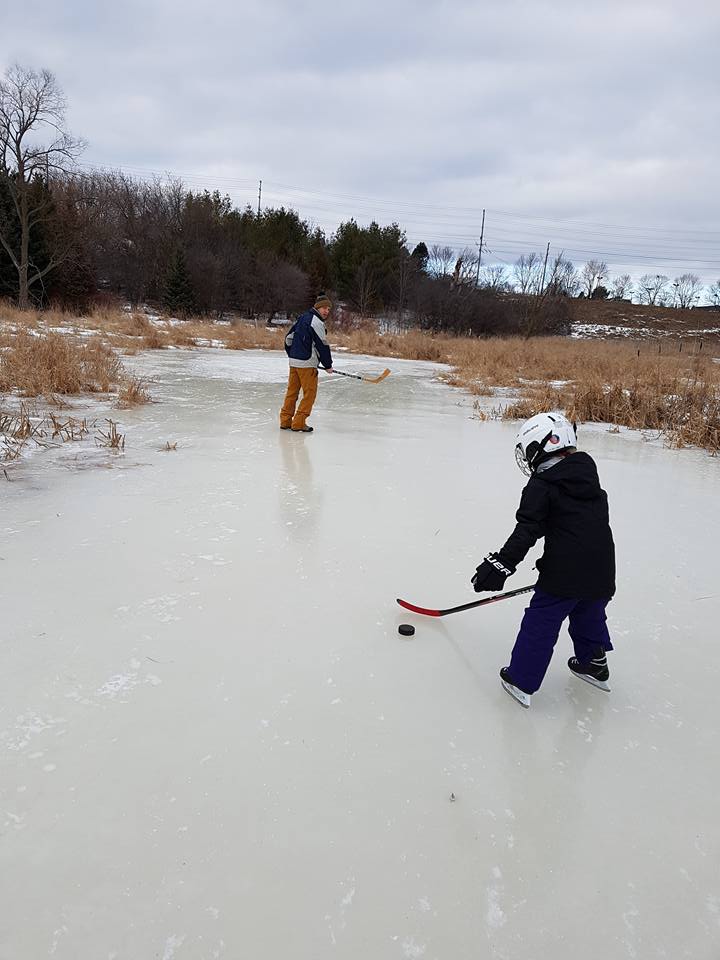
K and I making some passes:
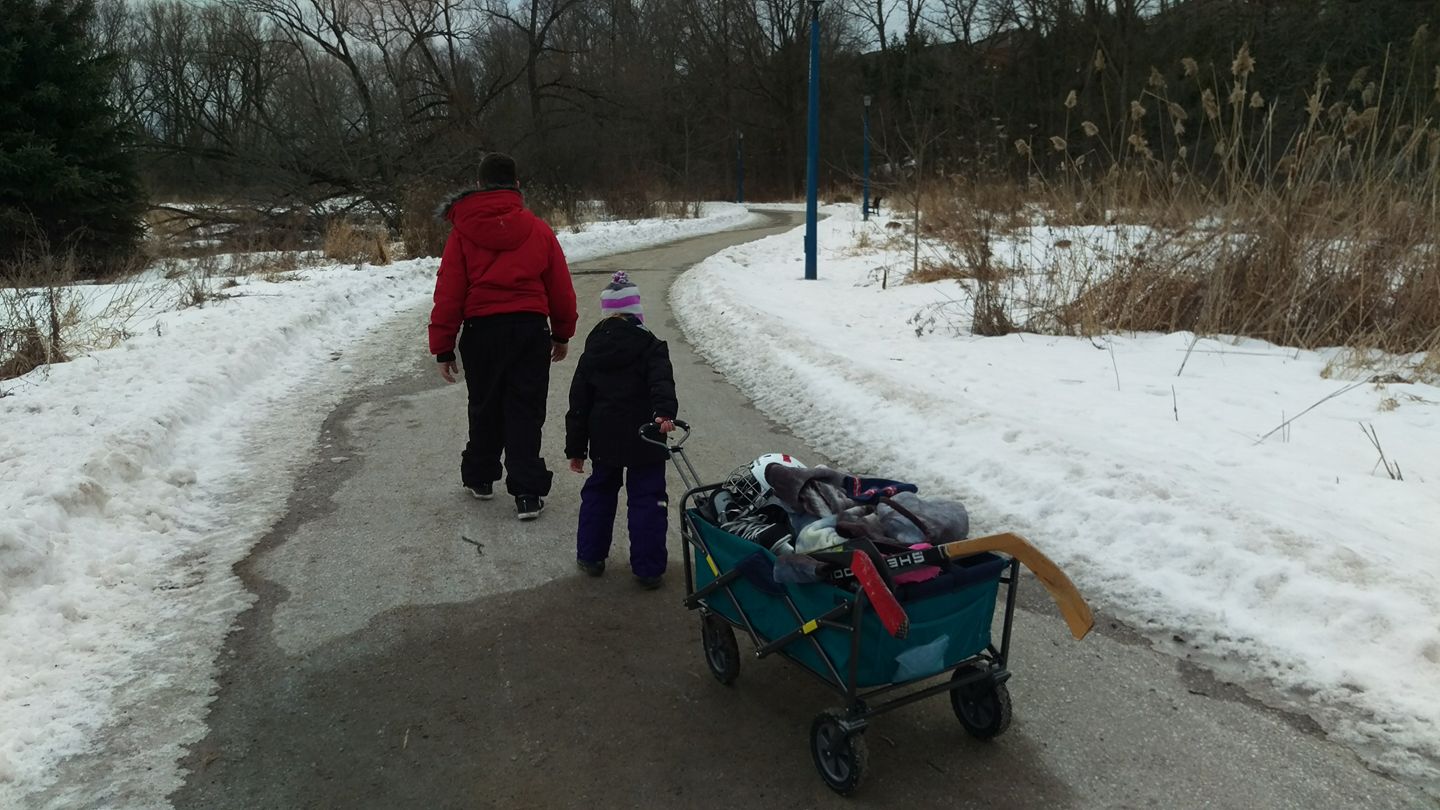
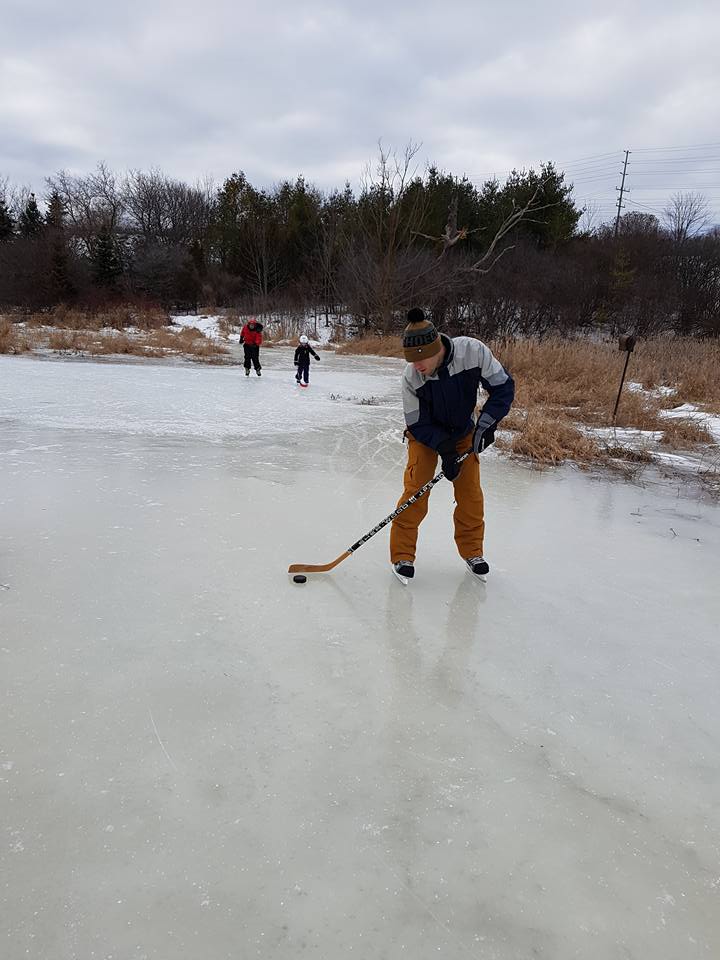
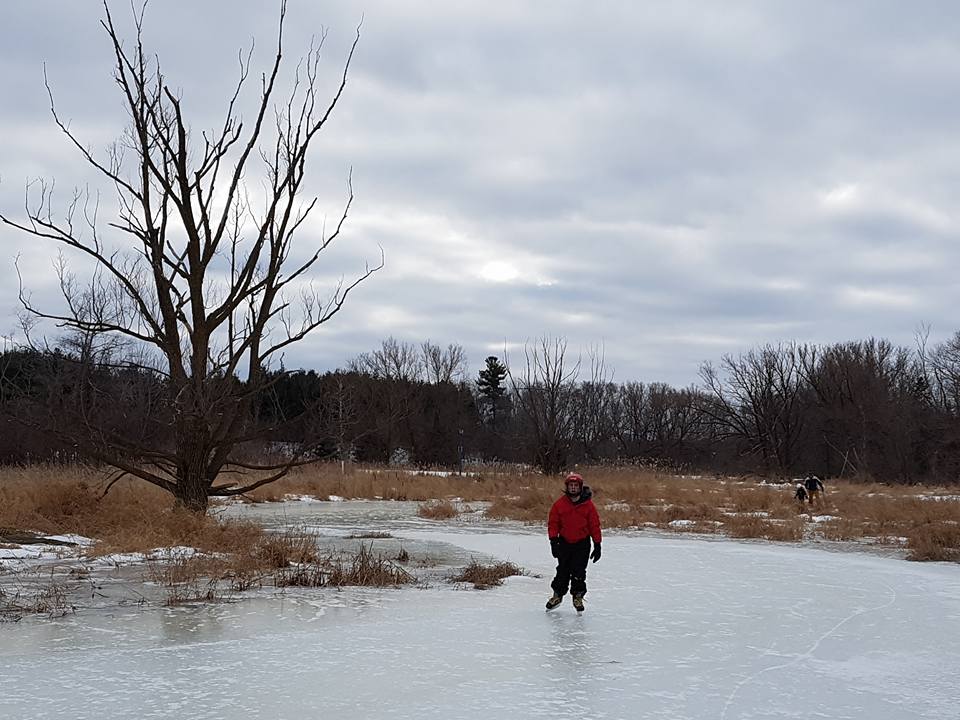
Ventured out to play some old school pond hockey / just skate around on a frozen marsh area out back from the house.. Was a great time..