We have a neat insert for the baking pan that keeps the bacon up so the grease drips off..but here is what we do:
Place bacon on the sheet
Set oven to 425
Put bacon in oven (don’t wait for temp to hit 425)
Bake for 25 min
Yum

We have a neat insert for the baking pan that keeps the bacon up so the grease drips off..but here is what we do:
Place bacon on the sheet
Set oven to 425
Put bacon in oven (don’t wait for temp to hit 425)
Bake for 25 min
Yum
A nice way to flavour up your carrots as a side dish..
Melt 2 tablespoons of butter in a pot
add about half an onion chopped
salt, pepper & nutmeg to taste
a pinch of cinnamon
3 or 4 large carrots, chopped
add about 1/4 inch of water, and a bay leaf.
once it’s boiling, about 15 minutes at medium until the carrots are preferred softness, and hopefully water is nearly gone.
Grandma added a bunch of sugar.. but I don’t bother..
So while looking around for alternatives to Rogers Cable and Bell TV, and after having tried out the Satellite dish hacks awhile back, a friend pointed me to XBMC (X Box Media Center)
First, i tried it out on my cell phone. I downloaded it off the Google play store.
I looked up a couple instructions for what add-ons to get, and how to deal with add ons for XBMC.
The first one I went with was XBMC Hub.
Within a few minutes I was watching a movie on my Cell phone, streamed from some unknown source through the graces of peer to peer streaming.
I struggled with some ideas as to how to get this on my TV. Samsung doesn’t open up their TVs to just any apps.. and there are none for free streaming.
I could just use the output from my laptop running XBMC, and plug that into the TV.. but that means plugging in a laptop everytime.
The TV accesses network sources and media centers running remotely.. but only as a file share – not for streaming (ie. no files exist on the cell phone or laptop when watching a streamed movie). So that won’t work either.
There is also Miracast.. .Where my tablet or cell phone could have it’s screen being streamed to the TV as a mirrored copy.. But my TV doesn’t have Miracast so I’d have to buy a Dongle for that.. and I’m not a fan of having to keep the device on the whole time (it’s a true mirror, so you can’t even let the device sleep)
Then I happened upon Raspberry Pi devices. It’s a mini computer really, for around 45$. It has basically nothing but a processor, ethernet cable, HDMI output, micro USB power input, 2 USB ports, SD card slot that it boots from, analogue sound output, and RCA video out.
The more I looked into this little thing, the more interesting gadgets and things people made with it.
But the one I was most interested in, was using the operating system based on Linux, called Raspbmc. Its basically an operating system dedicated to XBMC.
So hook the TV’s USB cord to the power input, the HDMI from the Pi to the TV, and an ethernet cable to the Pi. The TV can then run off the XBMC program, and you can stream direct to the TV though HDMI.
I decided to go out and grab one, and just see if I’d be able to do it without buying anything else.
I knew I didn’t have any 4GB SD cards though.. and I decided to spring an extra 5$ on top of the cost of buying one, to have the place pre load the card with NOOBS.
NOOBS is a simple boot up program that allows you to choose the OS you want to install.. and allows for easy replacement later if you wish.
So I came home.. First challenge – powering the Pi. I hadn’t realized it was a micro USB.. I had a larger version. But then I found that my cell phone charger had the same size (I have a Samsung Google Nexus).
I had a short HDMI to plug into the TV.. And I already had an Ethernet cable hooked up to my TV – i just swapped it into the pi.
I also had an audio plug i used for hooking up my sterio to my Ipod deck. I used this cable and plugged it into the analogue sound output on the Pi.
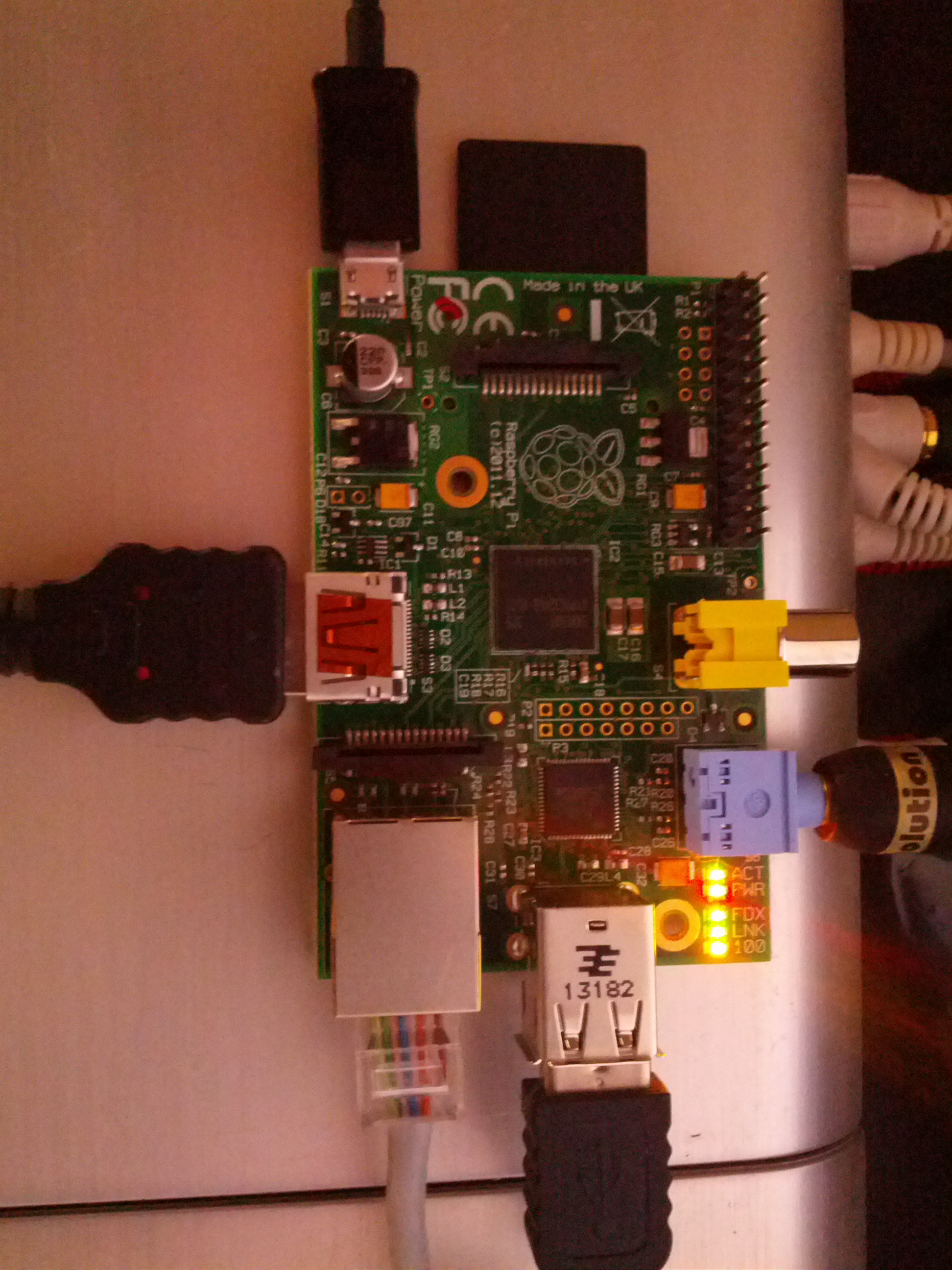
I decided to plug the power into the wall using the charger, rather then to the TV via USB to start.. just incase.
The boot up OS install option came up. However, I couldn’t control it yet. The TV remote wouldn’t work.. yet.. (I had read about HDMI CEC). I figured the OS had to be up and running first for that.
So hard as it is to believe, I was almost stuck there. I actually have no USB keyboards or mice. the last time I bought one of those it was still PC2 plugs!
As luck would have it, after racking my brains for awhile, I thought to check my client’s laptop bag they provided me (they often do, but I just use my own backpack). And low and behold, they provided me with a USB mouse. Nice!
So I plugged that into the USB port, and bingo, I was able to select Raspbmc as my OS to install.
I literally only needed the mouse for 2 clicks.
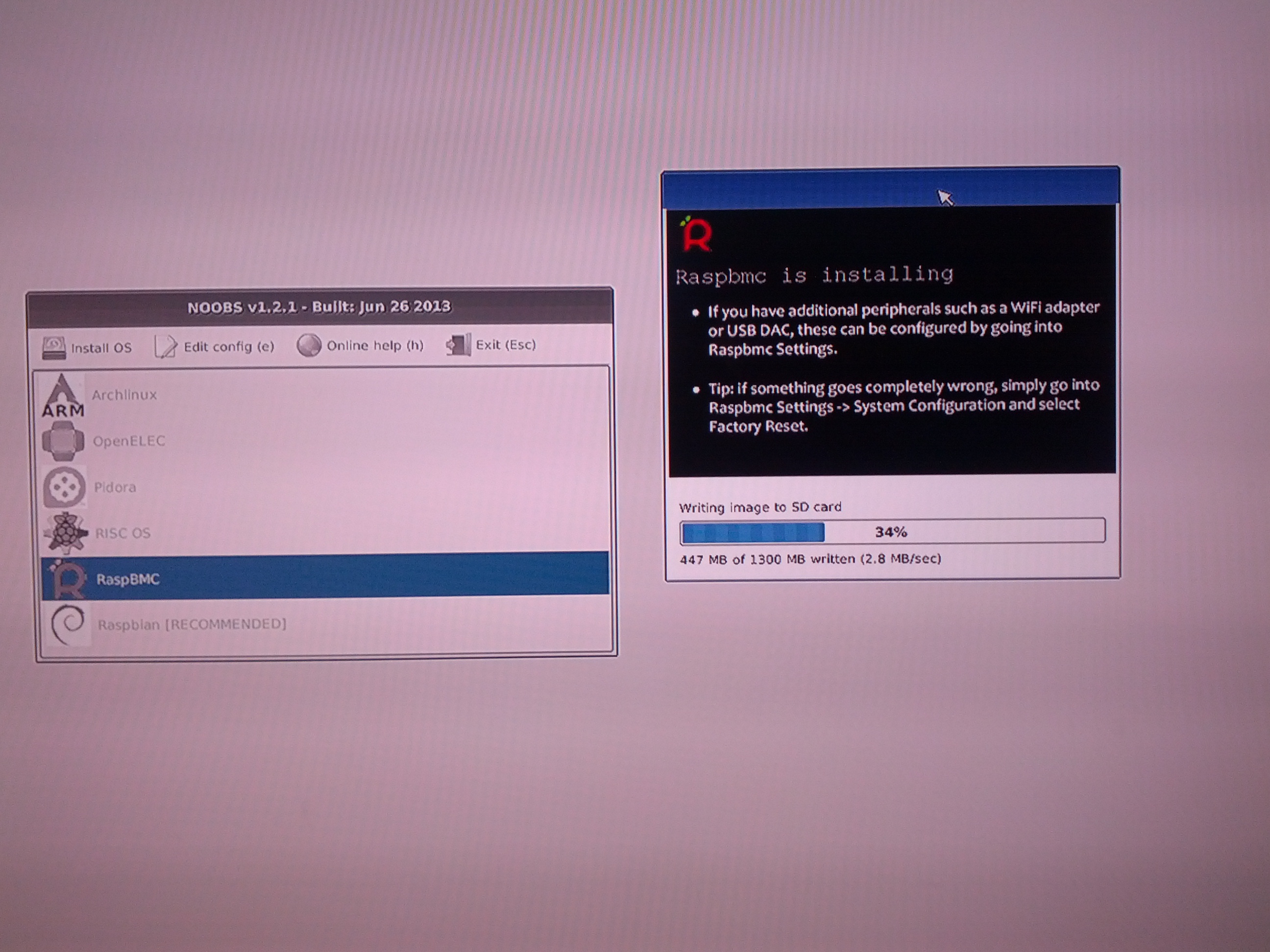
It ran through a ton of downloading, extracting, installing, configuring.. I started to sweat thinking it was stuck in a reboot loop at one point. It didn’t help that the status bar wasn’t aligned right, so I couldn’t even see what it was actually doing – if it was any different from the last time it rebooted.
But I just let it go. had lots of patience. Some of the screens I saw:
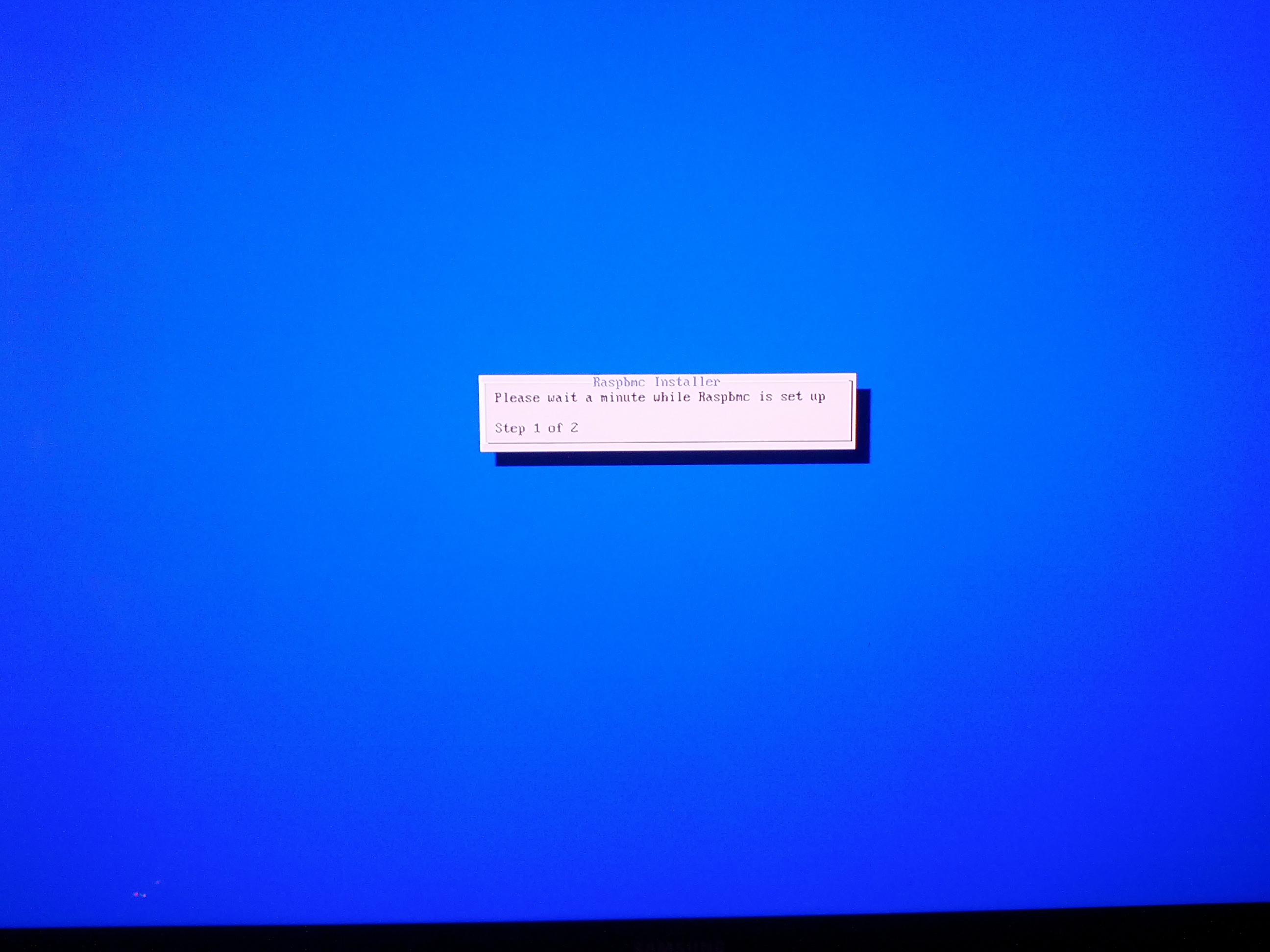

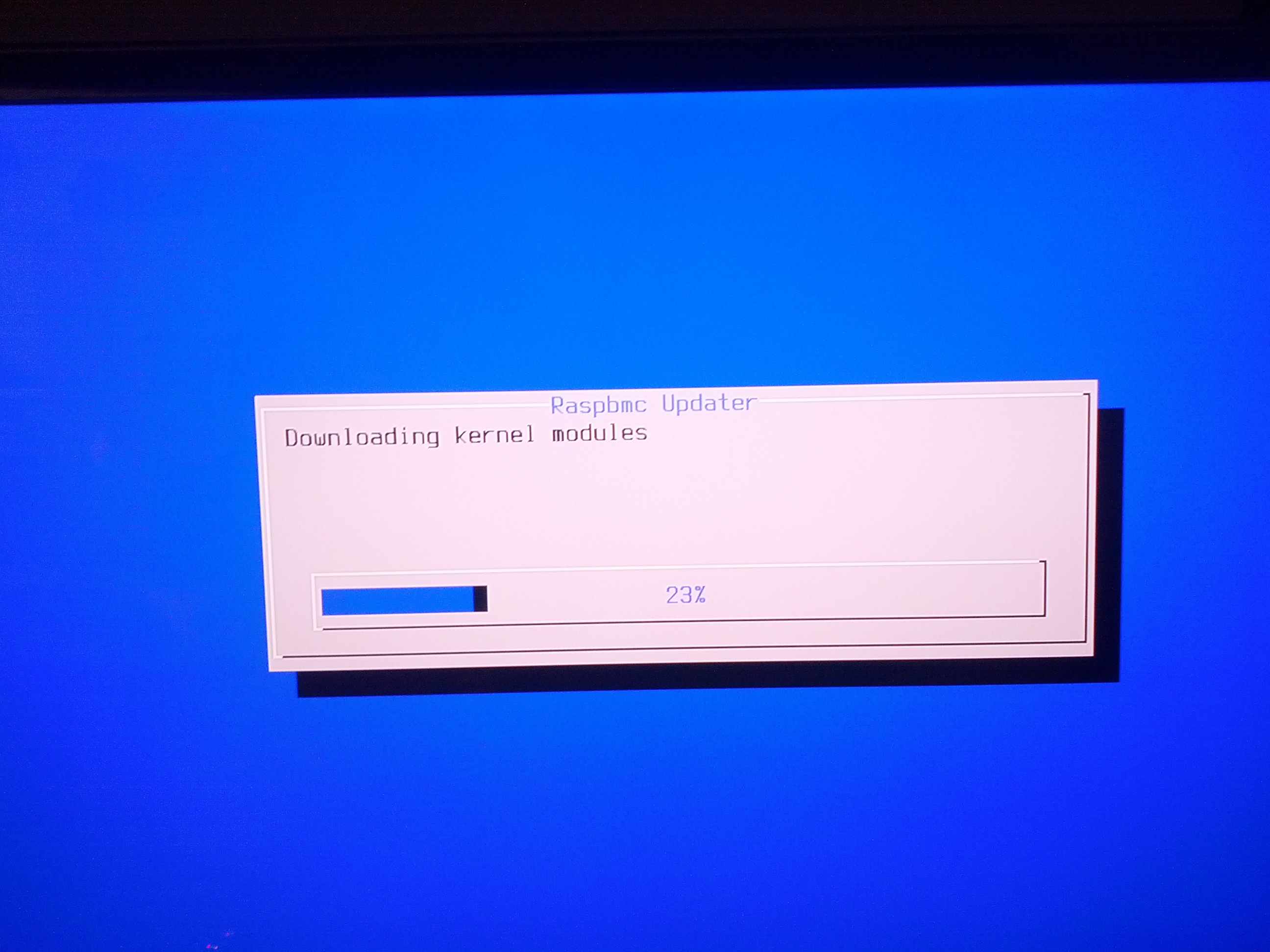
and here is the common one during the last while, with the status bar in the upper right:
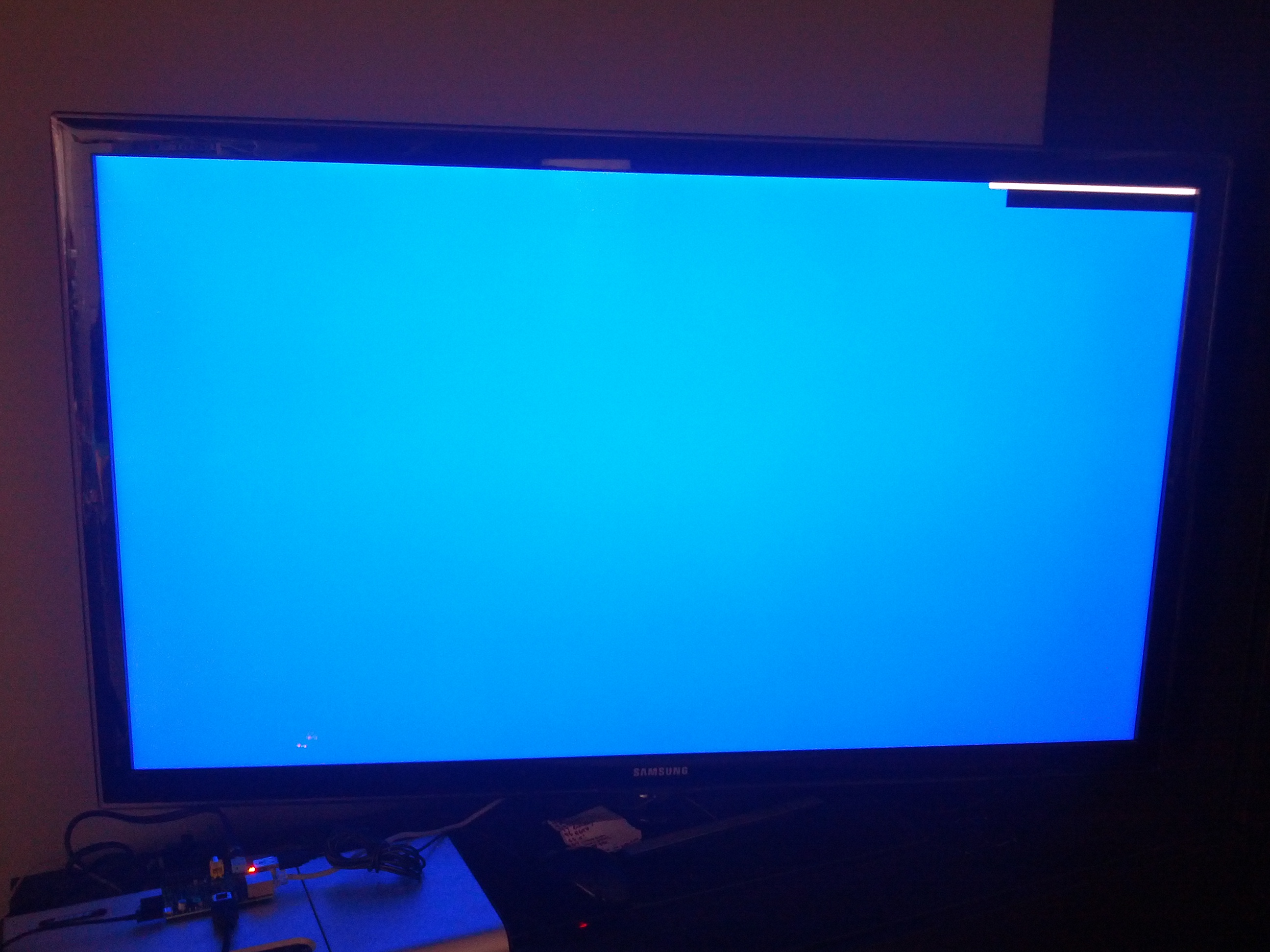
But it did eventually reboot with this:
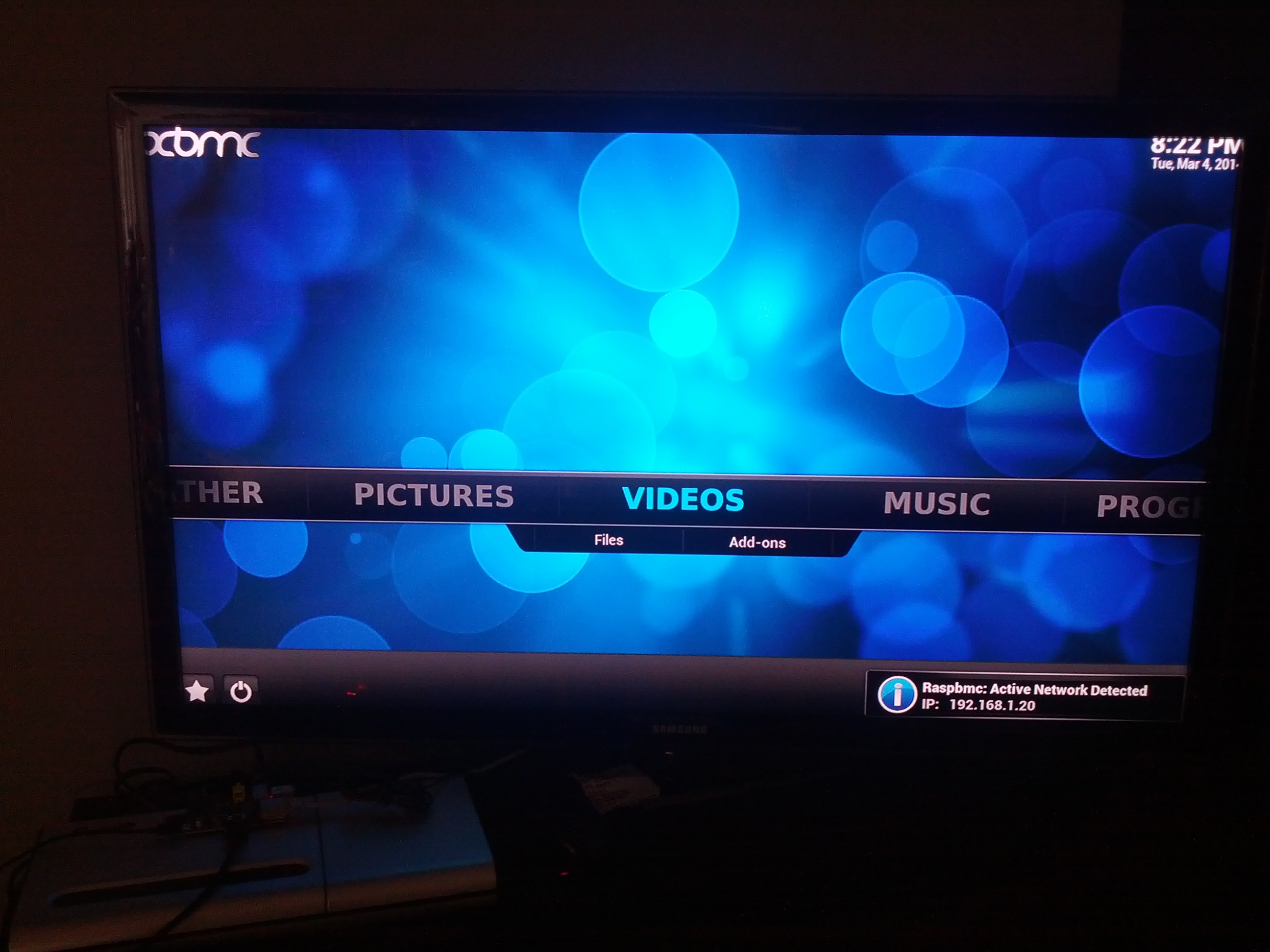
From that point, my TV remote worked to control the Raspberry Pi XBMC user interface. Sweet. That is definitely one good thing about HDMI. They added a wire to send info back to the source. And Samsung thankfully use it with their Anynet+ to send remote control commands.
I then looked up the official XBMC android app for remote control. Quickly got that working as well so my cell phone was controlling it over the LAN. made for much easier typing of sources for the add ons.
Everything was working pretty much perfect.. added the NAV-X program as well.. It has some nice HD movies available.
Found out that even hitting ‘shut down system’ on the XBMC actually turned the TV off too.
Turning it back on doesn’t seem so simple using a wall plug. had to unplug and replug. Likely this will be better once I switch to the TV USB as a power supply.
Another cool thing about the cell phone remote app, is that it also sends texts and call display messages to your tv, so you can see them without looking away.
One downfall I am still looking into – the analogue audio out, which goes to my ancient (but great sounding) Bose Lifestyle system, seems to be extremely low sound for the dialogue, with the sound effects tracks a bit louder. So I can’t use it yet.
Another, is how I will switch to my projector when I want. A quick solution would be an HDMI switch I suppose.. I’ll have to look into that.
I’ll add some of the sites that helped me out with the setup soon..




It’s quite common to make the title of a document, the same of the filename. A little headache arrives when that filename includes a version number, and the title is supposed to have it as well (for printouts).
Rather then having to update it everytime you save as a new version, I use the filename fields as the title, so it’s “automatic”.
However, this still needs a right click on the field and ‘update’, or, click on the field and hit F9.
Printing the file will also automatically update this field.
But if you really want it updated automatically, apparently MS has the suggestion for a macro:
http://support.microsoft.com/kb/832897
I have been asked by a few friends over the years, to explain various ways of saving money, and “whats the deal with RRSPs” etc etc.. So I thought I’d throw my thoughts onto this blog..
no guarantee it’s good advice at all!
There is much much more to it all.. but this is just my little bit known, and trying to keep it simple. Keeping it simple also inherently means I’ll miss details..
TFSA: this is a great spot to make money tax-free. You will have paid income tax on the money you put into it, but you won’t pay any tax on interest you make inside it. So if you put 100$ in it.. and then buy some stock (if it’s a TFSA with a place that offers investing).. maybe you get lucky and double your money (yeah right!).. you won’t have to pay anything on that profit. Also, you can take all the money out of the account anytime – and you still don’t pay any tax on it. You are limited to something like $5k per year that you can put into a TFSA. And if you take money out, I think you need to wait until the following year, but then you can actually “catch back up”. ie. you put 5k in year 1, year 2 you put another 5k in. but then you decide to take out 5k later in year 2.. once year 3 comes around you can now put in 10k…
RSP: this is a “tax shelter”. just like a savings account or a TFSA account, it doesn’t do anything for your money itself. Within the RSP though, you can invest your money into stocks / GICs / Funds, etc. The beauty of RSPs of course is that anything you place into an RSP, is deducted from your income at tax time. So this is immediately a large savings off your taxable income. And beyond the short term gain of tax reduction, there is a longer term benefit. You should only put money into an RSP that you hope not to use until you retire. Because when you take money out of the RSP, it now counts as income, so you get taxed on it. However if you achieved your plan and didn’t take it out until after retirement, then you don’t have other income, so your tax bracket is much smaller. You basically pay yourself a salary out of your RSP, after you retire – only taking out what you need, so your tax bracket is tiny. There is a max limit to the amount you can put into an RSP per year as well.. and you get that reported with your tax assessments.. it’s usually pretty darn hard to reach that limit since it carries over each year
So.. if you want to save for retirement and don’t plan to use the cash until then – RSP. If you want to just invest it and then maybe use it soon, maybe TFSA would be better.
Now what to Invest in, within that account.. (cause TFSA and RSP are just the account type.. like savings and chequing)
GICs / Bonds: pretty safe bet (ie. “Guaranteed Income”). but low interest right now for sure. Again though, very safe
Funds: there are a ton of funds out there. THey basically throw millions of dollars into one pot of a mixture of stocks (And other investments), and try to balance the risk that way. SOme funds are higher risk (ie. volatile stocks), some are very safe (ie. mixture of GICs, etc). Some are even geared towards industries or ways of life (ie. alternate energy funds would only put the money into companies that are ‘green’ etc) Funds are usually pretty good for newbies, since you just choose a high level area you want to invest and the level of risk you want to take on.
Stocks: Takes the most research if you want to lower risk. Or invest in something you just really believe in.. But this type of investment means you live and die by the company (or index) that you invest in. Buying and Selling frequently requires lots of time watching the markets (and many strategies around handling raising and falling stock prices). Buying and Holding (ie. buy it and forget about it) is easier to do, but you gotta pick good stocks for the long term.
The old saying – with Risk comes Reward. so the safer you are, the less you’ll make.. But.. the more risk you take on, the more chance you may lose a lot of money. That goes with either Stocks or Funds.
When I first started, I took some money i was willing to lose.. and then just tried out some stock buying and selling to learn it. I Lost most of it. RBC now has ‘practice accounts’, where you can just use fake money, and track how you would be doing. Nowadays, I’ve built up a bit of a portfolio, so I balance some safe bets (GICs) with some moderate risk stuff (Funds) as well as tiny bit of higher risk (stocks). I haven’t had time recently to watch them, so not much buying and selling (ie. I bought a bunch of Apple shares, and now I’ve just left them alone)
Of course you can always just give your money to someone you trust, to handle the above decisions.. And you of course pay them for that as well.
Good luck!
I found some tidbits over the years about this topic.. But wanted to sum up my understanding & approach..
So there are many methods to consider when thinking about how to get money out of your corporation:
Salary
Bonus
Dividends
Loans
Management Fees
Reimbursements
(amoung others that I haven’t looked into really.. like benefits such as employer RSP contributions, etc)
Over the years, it seems the government has altered some rules as it found people squeezing money out without paying enough tax.. Ie. From what I’ve heard, bonuses used to be much better to use, but now they don’t really differ from salary much (ie. they used to be used to reduce corporate income amounts to the small business limit..but i think that has been stopped)
Anyway, here are the points I’ve collected for each (no promises that they are accurate):
Salary:
– have to send source deductions each month or quarter (ie. cpp, taxes. EI as well if you don’t own > 40% of your corp)
– taxed at a lower rate then dividends?
– corp has to pay equal amount of CPP as well
– raises your RRSP limit
Bonus:
– still needs deductions like salary
– I didn’t get a clear picture of other implications and complexities around reporting the amounts
Dividend:
– can generate tax refund for corporation against investment income
– must record declarations in corp minutes
– T5 slips needed for taxes
– does not contribute to your RRSP limit
– does not help for childcare expenses (not sure how this plays in)
– 40k$ worth can be tax-free, if you actually had no other income
Loan:
– no tax credit / deduction for corporation
– does not contribute to your RRSP limit
– not considered income for future personal financing / credit reviews
– a minimum interest rate must be charged, else it must be declared as a taxable benefit
– contract must be written
– interest payment is deductable
– I have read once that if a loan is not paid off over a year, it can be considered income by the tax-man
– Also read a strategy where loans are taken out all year, at the end of the year a bonus is paid out to pay it off (so you actually don’t get paid by that bonus since it went to the loans, you just get the remittance info ie. taxes deducted, etc). So another way to just postpone the taxes.
Management Fees:
– avoids source deductions (like cpp, taxes)
– still taxed as income come tax time (so just delayed compared to salary/bonus)
– HST must be charged after $30k in fees
Reimbursements (expense reports basically):
– must match actual expenses
SO far, I use a basic salary and quarterly dividends.
I use salary because I want my RRSP limit to increase, as well as max out my CPP contributions.. and dividends to help the corp tax a bit.
It seems RRSP limits max out way beyond the CPP limit, so I use the CPP limit to decide how much salary I get.
For instance, RRSP limit is based on 18% of earned income, so to reach the max RRSP (ie. $22970 in 2012), you’d need income of nearly $130k. So this means I am missing out on contribution room being added.. And I’ll soon start maxing out.. SO I plan to start keeping an eye on this, and possibly paying myself more just to get more contribution room..
Every year, the CRA announces the maximum pensionable earnings. I use that as my salary, and use the PDOC (payroll deductions online calculator) to sort out the source deductions (CPP, fed tax, prov tax).
This is all set by the government.. So i can lay it out here (I’m surprised this isn’t more commonly found on the net… ie. the minimum salary to maximize CPP and RRSP)
For instance, in 2013, the CRA set the MPE at $51,100. This means a monthly pay of $4258.33
The CRA also set the maximum CPP contribution for a person to be $2356.20 (note the employer matches this as well).
So since I want the max CPP when I retire, I make sure I reach that maximum contribution.
The PDOC helps calc it all, so that with the monthly pay, i should deduct $202.12 for CPP, $522.41 for Fed taxes, and $262.31 for prov taxes. (this of course pays enough taxes to cover salary – but nothing else such as the dividends I pay myself)
This is the base salary and source deductions I used. And it’s how I have always done it.. I’m surprised this amount isn’t very common out there as well known amounts (again, like the yearly “minimum salary to maximize CPP and RRSP”).
maybe i’ll start that up on this blog 😉
So lastly, since I pay myself dividends through the year, I then put a bunch of the last dividend into my RRSP, to counter the amount of taxes I’ll be expected to pay on the income from the rest of the dividends.
http://www.realsimple.com/food-recipes/browse-all-recipes/turkey-fried-rice-00100000074824/
http://www.food.com/recipe/hoisin-sauce-recipe-443956
made it once so far.. could likely use a little more then 1 tblspn of peanut butter.. but not sure